Query without the wait
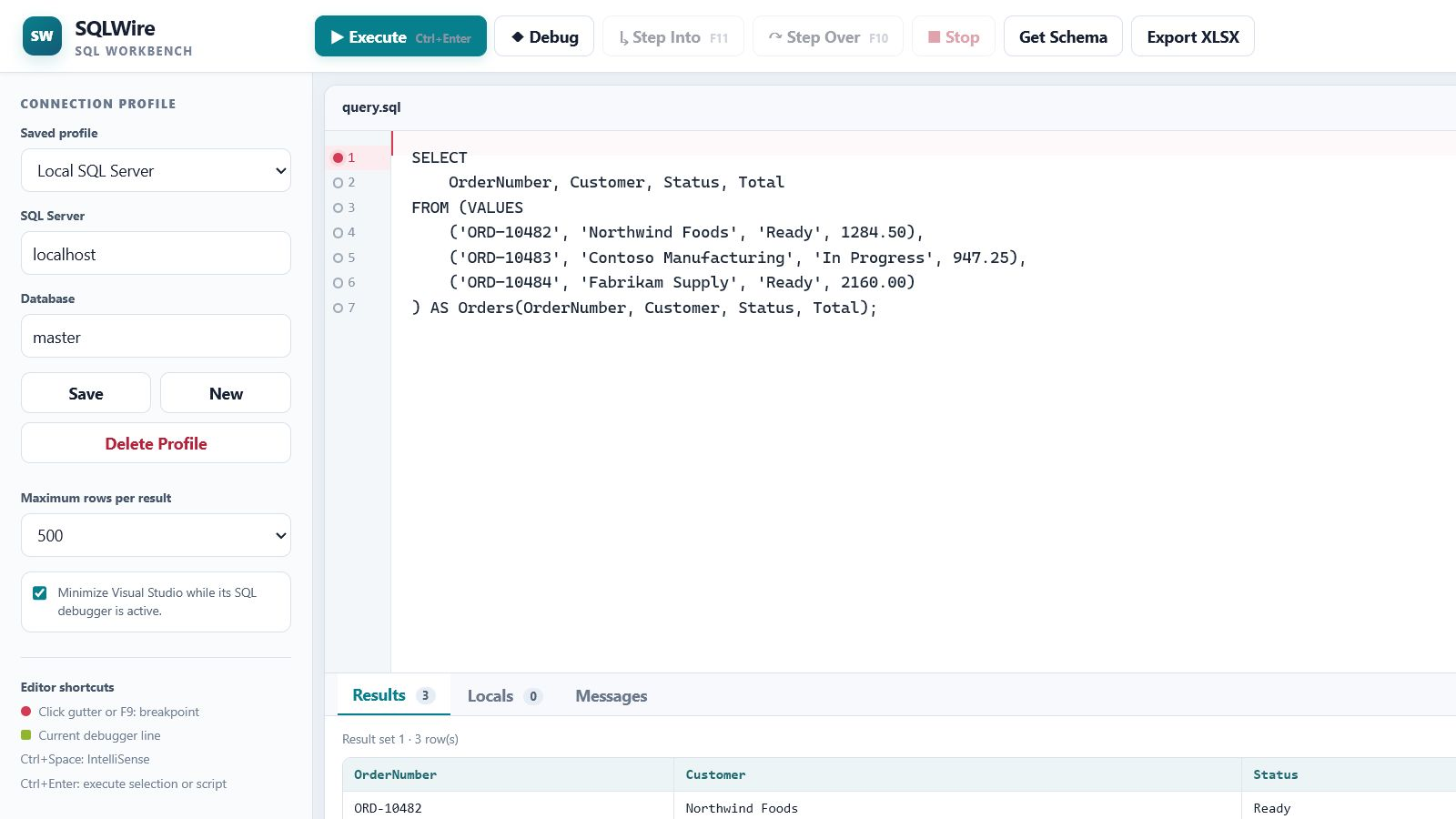
Open a lightweight browser workbench from Visual Studio, write T-SQL, and see results without carrying a full database IDE.
Visual Studio · SQL Server · Windows
Execute and debug SQL from a fast browser workspace, powered by the Visual Studio extension already connected to your database.
3-day full trial · US$50 one-time · No subscription
Local-firstYour query work stays on your machine.
Windows authUse the identity you already trust.
LAN capableOpen the workbench from another device.
Optional HTTPSAdd encrypted browser connections.
Built for the everyday query
SQLWire focuses on the short path between an idea, a query, and a result.
Open a lightweight browser workbench from Visual Studio, write T-SQL, and see results without carrying a full database IDE.
Pull your database schema on demand, then complete tables, views, and columns while you type.
Start a SQL debugging session in Visual Studio, then step into, step over, inspect, and stop from the workbench.
Export result sets directly to XLSX for analysis, sharing, or reporting.
One extension, two screens
SQLWire hosts the browser interface locally. Work at the same machine, or open it from a laptop or tablet on your trusted LAN.
You stay in control
SQLWire runs locally and uses your configured database connection. Schema information, SQL text, and query results are not sent to an AI service by SQLWire.
Simple by design
No feature maze and no recurring bill. Evaluate SQLWire against your own databases before buying.
US$50
one-time payment · one user
Secure checkout is provided by Stripe Managed Payments. Taxes may be added at checkout.
Straight answers
A supported Visual Studio installation on Windows and access to Microsoft SQL Server. The workbench opens in a modern browser.
No. SQLWire is a Visual Studio extension with a lighter browser interface for common SQL work.
You can enable LAN access for trusted networks. HTTP works immediately; optional HTTPS can encrypt the browser connection.
Support and release contact details will be available through the Visual Studio Marketplace listing and your purchase receipt.